
If your project involves extensive assembly movement studies, this feature might catch your attention.
SOLIDWORKS assemblies include a powerful Move Component tool, which allows you to manipulate components and perform basic movement analysis directly within your assembly model.
It is faster and easier to use, requiring minimal mates.
Previously, moving components systematically could take a lot of time, involving complex mating setups and even the need to apply servo motor rotations in a motion study. For beginners, this process often involves a lot of trial and error.
The challenge lies in applying motor movements accurately and controlling the direction of rotation. To perform an effective motion study in SOLIDWORKS, we usually recommend that users first complete basic training in SOLIDWORKS Motion Study
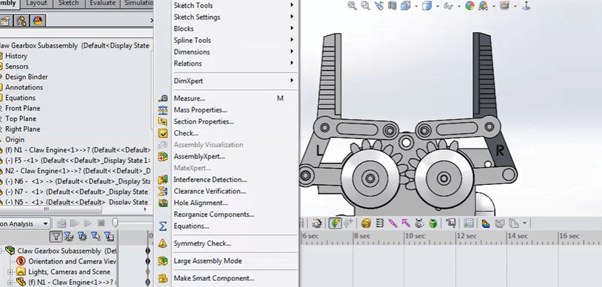
The motion study allows users to create professional movements, but it requires time for trial and error, and attending proper training is recommended to produce accurate results without errors.
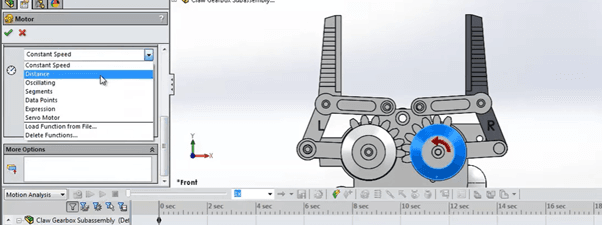
The motor speed must be specified if you want to add movement in a SOLIDWORKS motion study.
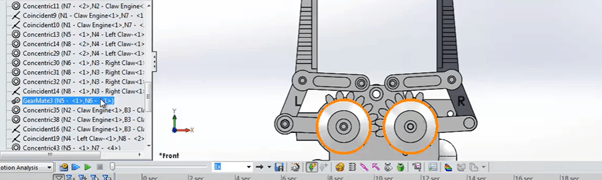
Advanced mates are required to define relationships between components.
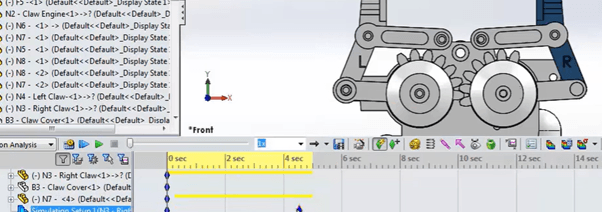
Motion studies can be exported as video files, making them useful for presentations and video editing.
Physical Dynamics
Let’s get back to the main topic. Which feature allows us to perform movement studies like a pro?
It’s not a new feature in SOLIDWORKS – it’s found under the Move Component tool and is called Physical Dynamics.
Physical Dynamics lets users manually perform basic movements within an assembly. When a component moves and comes into contact with a surface, it will continue moving until it reaches its limit.
This quick movement capability allows users to study and anticipate component behavior at a glance.
However, if a designer wants to perform a complete motion analysis, it is still recommended to use the Motion Study feature. Unlike Physical Dynamics, which is a temporary movement tool for quick observation, Motion Study allows detailed analysis and can record movements as a video.
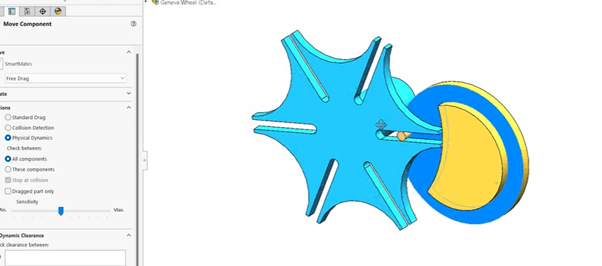
This allows you to manually move or rotate components without fully defining them with mates.
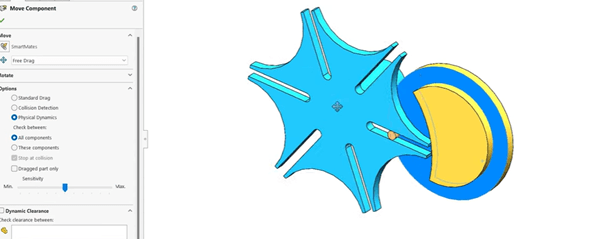
The easiest way to do quick study on the assembly component.
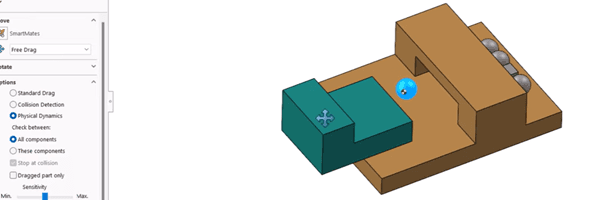
Any component contacted each other will continue the moving behavior until it reaches the movement limit.
Join our webinar and social channel
It’s time to level up your SOLIDWORKS assembly skills! Follow our social media channels for tips and tricks, and stay tuned for more insights. To go deeper, join our monthly STEP webinar: Advanced Assembly Design Techniques in SOLIDWORKS, exclusively available for active SOLIDWORKS subscribers.
Advanced Assembly Design Techniques in SOLIDWORKS.
See you in the next post !
– Henry Chai, Senior Application Engineer, IME Technology Sdn Bhd