
Are you ready for another electrified week?
An electrical symbol is used to represent an electrical component. It was in a simple and easy to understand format. But an electrical component can be manufactured by many companies and each of them has their own characteristics.
An engineer has to decide which component he wants to use, what will be the power rating, what will be the voltage rating and so on. Once they have their requirements on the components, they will search for the catalog to check the availability of the component and get the part number.
There are more than 40 manufacturers on the market, and each manufacturer produces more than 1000 types of components. To search for a component which can fulfill the requirement of the engineer may not be easy. Have you ever had to search through stacks of different manufacturers catalog before finally finding what you want?
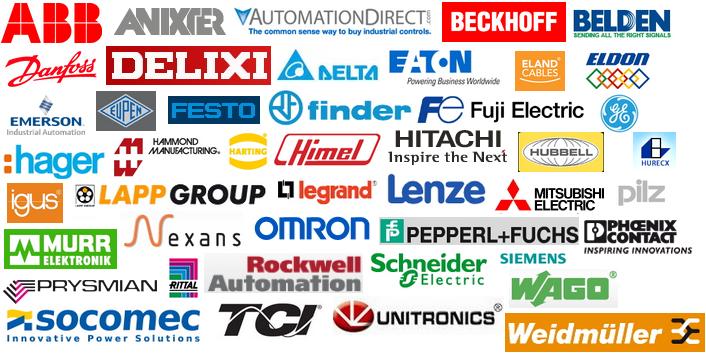
The manufacturer part library in SolidWorks Electrical will be able to save the hassle! It consists of 45 manufacturers’ catalog:
ABB | Eland | Hammond Manufacturing | Lenze | Rittal |
Anixter | Eldon | HARTING | Mitsubishi Electric | Rockwett Automation |
AutomationDirect | Emerson | Himel | Murr Elektrinik | Schneider Electric |
Beckhoff | Eupen | Hitachi | Nexans | Siemens |
Belden | FESTO | Hubbell | Omron | Socomec |
Danfoss | Finder | Hurecx | Pepperl+Fuchs | TCI – Trans-coil |
Delixi | Fuji Electric | IGUS | Phoenix Contact | Unitronics |
Delta Electronics | GE | Lapp | Pilz | Wago |
Eaton | Hager | Legrand | Prysmian | Weidmuller |

You can also search their components by inserting the reference number, description, number of circuits, voltage, frequency or other information to search for the available components from every manufacturer. Once the manufacturer part is being selected, the attributes of the manufacturer part will be shown on the symbols automatically.
That would make me a very happy Electrical Engineer – what about you?
Jackson Lim
Application Engineer
IME Technology Sdn Bhd