
Do you know you can use shortcut key when desiging with SolidWorks? Example, G if for magnifying glass, F for Zoom to Fit.
Do you know you can customize your SolidWorks with your own shortcut key? To customize your favourite shortcut, go to tools> customize> keyboard. Pick your features & select your key.
But I’m wondering, how can I remember which feature go with which alphabet? To help you on that, I have a tricks. All you need is a colour printer, scissor, double side tape, transparent tape & …
ALL THE SOLIDWORKS FEATURES’ ICON ~ (you may use mine)
 5 simple steps to allow you design better products in shorter time:-
Step 1: copy all the icon and then print it out with colour.
Step 2: Apply transparent tape on top of the icons.
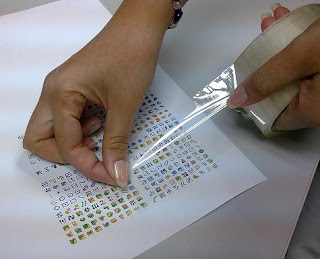
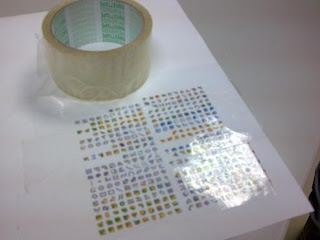
Step 3: Apply double side tape at the back of the icons.
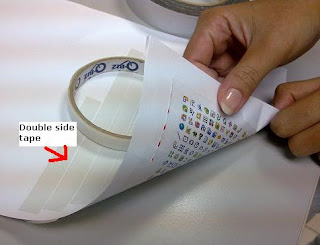
Step 4: Cut the icon that you plan to stick to your keyboard.
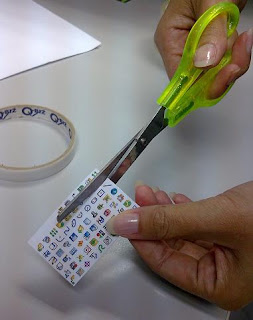
Step 5: At last, stick it to your keyboard button!
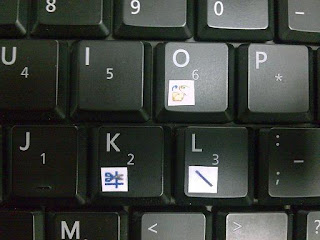

Isn’t it simple? Now you know where to find your shortcut key when designing your creative idea to share with us. Happy trying! 🙂
~sew~