
New year, new version. Got the new SolidWorks 2012 but hardware is not up to specification since it was bought 5 years ago. Bet it’s time for a new hardware. I did some study and let me share some important information for you to take into consideration when searching for the right hardware for the right (design) job.
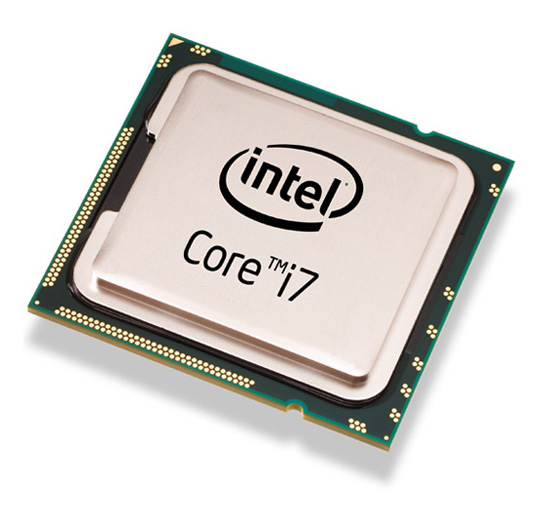
Refer below example of typical command:-
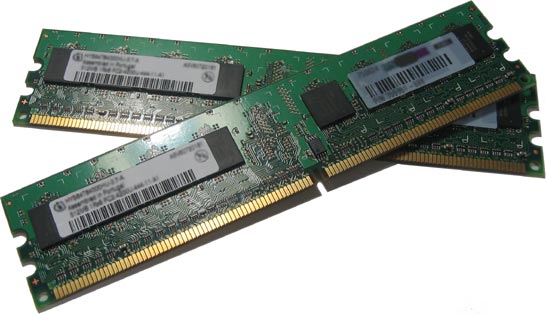
Users should evaluate RAM usage subject to their own environment. One way to know the potential of RAM require, is open all the typical applications that use for whole day, open SolidWorks with one of the biggest file size you have. Open task manager and review Available Physical Memory on the Performance Tab. Consider adding more RAM to the PC if it indicate that it running close to out of RAM.
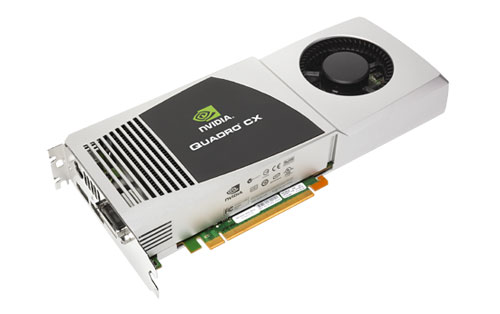
The basic guideline, if it is a larger model, mean it have more triangle, then you need a better graphic card. For this, I would like to recommend you to refer to SolidWorks website and get a certified graphic card that best suit your budget, just that simple.
Window OS is what (and only) you need to consider. For the time being, SolidWorks only run in Window OS. My advice, always goes for the latest OS (currently is Window 7). You want your hardware to support at least few versions of SolidWorks, right? In term of 64-bit or 32-bit, why 32-bit when Windows doesn’t add a cost factor, since the 32-bit and 64-bit versions of Windows both cost the same. Chan (our SolidWorks expert) found an interesting sharing about 64-bit Windows. Click below for to understand more about 32 bit and 64 bit.